这个主题的核心不是教他们如何使用电脑,而是通过一个他们熟悉的“老朋友”来学习英语单词、简单句型和电脑的基本概念。
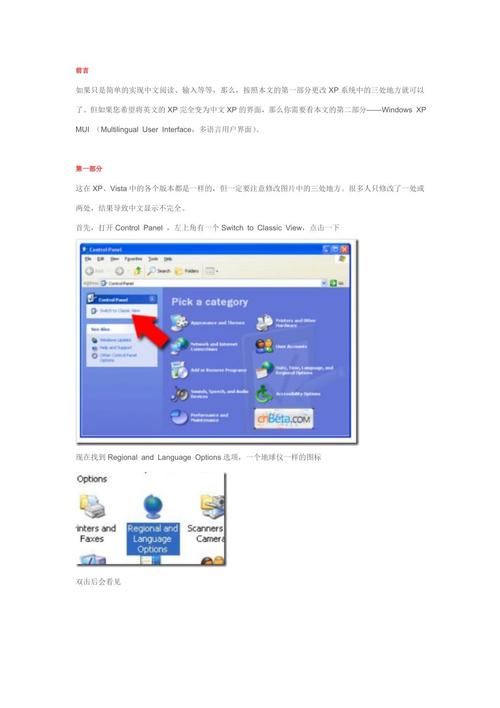
小学英语课:Windows XP (我的老朋友电脑)
第一部分:热身与导入
老师: "Hello, boys and girls! 今天我们要认识一位新朋友,哦不,是一位老朋友!他叫 Windows XP。" (Hello, boys and girls! Today we're going to meet a new friend, no, an old friend! His name is Windows XP.)
老师拿出Windows XP桌面的图片或直接在屏幕上展示。
"大家看,这就是他的家,我们叫它 Desktop (桌面)。" (Look everyone, this is his home, we call it the Desktop.)
第二部分:核心词汇学习
老师指着桌面的不同部分,教单词。
-
桌面 - The Desktop
- "This is the Desktop. It's like a big table for all your toys and games on the computer."
- (这是桌面,它就像电脑上的一张大桌子,可以放你的所有玩具和游戏。)
-
图标 - Icons
- "Look at these little pictures. What are they? They are Icons. This icon is for games, this icon is for music. They are like the buttons on your toys."
- (看这些小图片,它们是什么?它们是图标,这个图标是游戏的,这个是音乐的,它们就像你玩具上的按钮。)
-
任务栏 - The Taskbar
- "At the bottom of the screen, there is a long bar. We call it the Taskbar. It's like the control panel for your room. You can start things here."
- (在屏幕的最下面,有一个长长的条,我们叫它任务栏,它就像你房间的控制面板,你可以在这里启动东西。)
-
“开始”按钮 - The Start Button
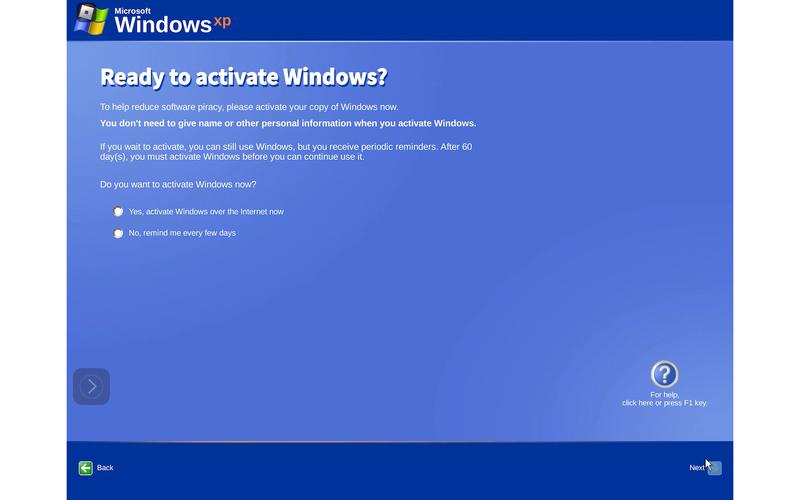 (图片来源网络,侵删)
- "On the Taskbar, there is a button that says 'Start'. When you click it, you can open your games, your music, and your homework!"
- (在任务栏上,有一个写着“Start”的按钮,当你点击它,你就可以打开你的游戏、音乐和作业!)
-
墙纸 - Wallpaper
- "The picture on the Desktop is called Wallpaper. It's like the beautiful poster on your bedroom wall."
- (桌面上的图片叫做墙纸,它就像你卧室墙上漂亮的海报。)
第三部分:互动游戏与句型练习
我说你指
- 老师: "Point to the Desktop!" (同学们用手指指向桌面)
- 老师: "Show me the Start Button!" (同学们指出“开始”按钮)
- 老师: "Find a game Icon!" (同学们找到一个游戏图标)
小小对话
老师可以和同学们进行简单的问答。
- 老师: "What is this?" (指着桌面)
- 学生: "It's the Desktop!"
- 老师: "What color is the Wallpaper?"
- 学生: "It's blue!" / "It has flowers!" (鼓励他们用英语描述颜色或图案)
句型练习:I can... (我能...)
- 老师: "On the computer, I can play games." (在电脑上,我能玩游戏。)
- 老师: "I can listen to music." (我能听音乐。)
- 老师: "I can do my homework." (我能做作业。)
- (让同学们跟着说,并加上自己的动作,比如做游戏的样子、听音乐的样子。)
第四部分:故事时间
老师可以编一个简单的故事:
"Once upon a time, there was a friendly computer named Windows XP. He had a big Desktop where he kept all his friends, the Icons. At the bottom, he had a Taskbar with a magic Start Button. When you clicked the Start Button, you could open any game or song. His favorite Wallpaper was a picture of a sunny sky. He was a very happy computer!" (从前,有一台友好的电脑,他的名字叫Windows XP,他有一个大大的桌面,上面住着他所有的朋友——图标,在下面,他有一个任务栏,上面有一个神奇的“开始”按钮,当你点击“开始”按钮,你就能打开任何游戏或歌曲,他最喜欢的墙纸是一张晴朗天空的图片,他是一台非常快乐的电脑!)
第五部分:总结与作业
"Today, we learned about Windows XP. What did we learn?" (今天我们学习了Windows XP,我们学了什么?)
- 学生: "Desktop!" "Icons!" "Taskbar!" "Start Button!" "Wallpaper!"
作业:
"Draw a picture of your ideal Desktop. Draw the Icons, the Taskbar, and your favorite Wallpaper. Then, tell your parents about it in English." (画一幅你理想中的桌面,画出图标、任务栏和你最喜欢的墙纸,然后用英语告诉你的爸爸妈妈。)
给老师/家长的小贴士
- 视觉化: 一定要使用图片或实物演示,Windows XP的界面和现代Windows (如Win10/11)有很大区别,视觉对比能加深印象。
- 实物操作: 如果条件允许,真的找一台装了XP的旧电脑,让孩子们亲手摸一摸、点一点,这是最好的学习方式。
- 关联生活: 把电脑术语和孩子们熟悉的生活事物联系起来(比如桌面=桌子,图标=玩具按钮),这样更容易理解和记忆。
- 保持简单: 不要涉及复杂的操作,比如文件管理、系统设置等,只停留在最表层的、可视化的元素上。
- 趣味第一: 整个过程要像一个游戏或一个有趣的故事,而不是一堂枯燥的课。
通过这样的方式,孩子们不仅能学到几个新的英语单词,还能对电脑有一个初步、友好的认识。